All features · Deliver & connect

Deliver every film like a premiere.

A private gallery for every couple: films and photos together, in your style, on your own link.

cueday.io/halcyon/jamie-and-alex
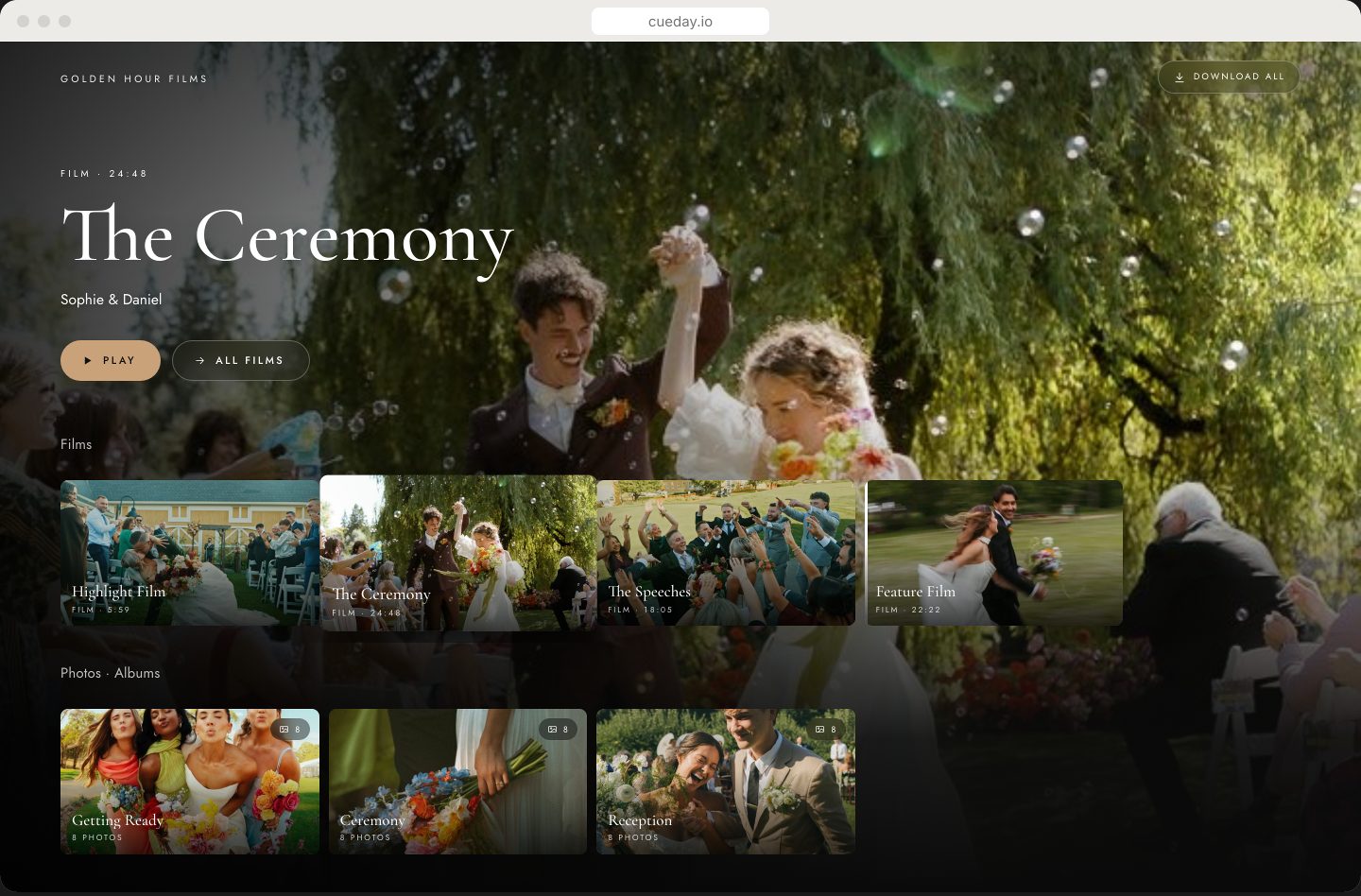
A delivered Cueday gallery with films and photo albums
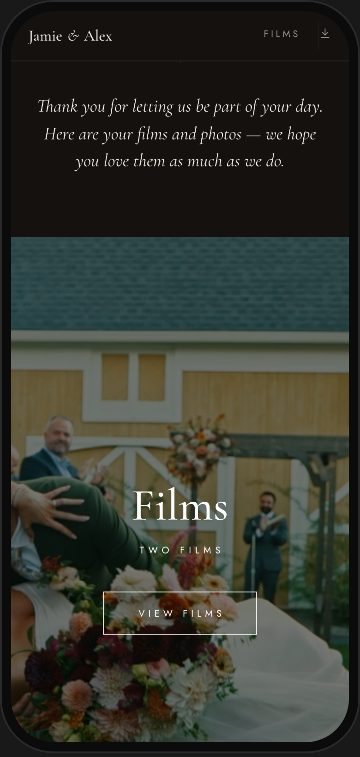
The same gallery on a phone
At a glance

Films that look their best

Smooth playback on every screen, up to 4K, with a full-window theater on computers.

Photos in albums

Drag in hundreds of photos, sort them into albums and pick the covers. iPhone photos work too.

Full-quality downloads

Couples download the originals, one film or everything at once, and it picks up where it left off if the Wi-Fi drops.

A look that matches your films

Dozens of page designs, 13 themes and your own colours. Change it any time.

Yours to control

Add a password, choose what can be downloaded, and publish changes only when you’re ready.

On your own link

cueday.io/yourstudio/jamie-and-alex, or on your own domain.
Films

Every film, at its best.

  • Streams up to 4KSmooth on any connection. Turn on 4K for a gallery and films shot in 4K play in 4K.
  • You choose the qualityLet it adjust to their connection, keep it always HD, or always the best their screen can show.
  • Theater on computersPress Play and the film fills the window on black. Esc or Back brings them out.
  • Full screen on phonesOne tap and it goes full screen, turned sideways on Android.
  • Play on the TVAirPlay to an Apple TV or cast to a Chromecast, straight from the gallery.
  • Covers from any frameScrub through a film and pick the exact frame for its cover.
  • Titles and a few wordsName each film and add a line about it. Drag them into the order they should watch.
  • The original, keptCueday keeps your original file, so couples can download that, not just a compressed copy.
  • From wherever they liveUpload from your computer, or pick films from the client’s Dropbox or Google Drive folder.
  • Play all, Up nextFilms play one after another, or open straight into playback if you prefer.
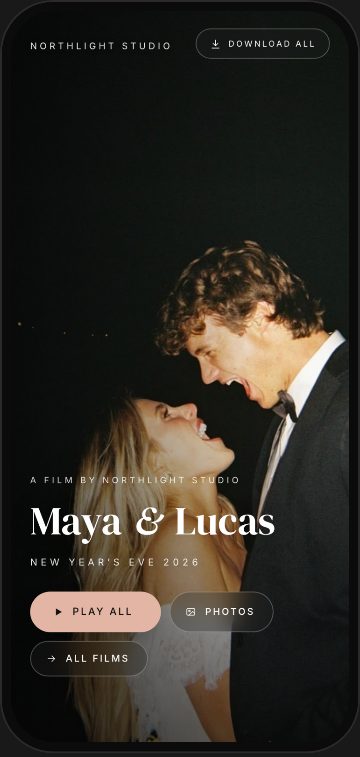
A gallery’s first screen on a phone, with Play all
Photos

Hundreds of photos, beautifully sorted.

  • Drop in hundreds at onceUploads retry on their own, and you see exactly how many made it in. Anything skipped is named, with the reason.
  • iPhone photos welcomeHEIC photos are converted for you.
  • AlbumsGetting Ready, Ceremony, Reception, whatever you like, each with its own cover.
  • Editor’s PicksA built-in album for the frames you love most.
  • A real album editorDrag to reorder, star, hide, move between albums, set the cover, sort by file name.
  • Crisp, smooth skiesHigh-quality viewing copies with no banding in skies or soft backgrounds.
  • FavouritesCouples tap the heart on the photos they love, then play just those.
  • SlideshowsGentle crossfades and slow movement, at the pace they pick, full screen.
  • Slideshow on the TVPlay the slideshow on an Apple TV with AirPlay, or cast it from Chrome.
  • Photos only? Fine.Deliver films, photos or both in the same gallery, and switch either one off any time.
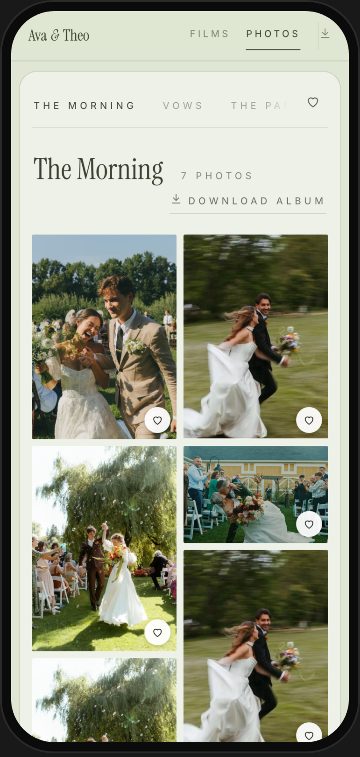
A photo album on a phone with heart buttons
Designs

Twenty designs. Try them live.

This is a real gallery. Tap a design or a theme and watch it change.

Signature
Cinematic
Editorial
Modern
cueday.io/halcyon/jamie-and-alex
Theme

16 Home layouts

The first thing they see when they open the link.

Cinema ScrollSpotlightReelFrostedFeatureCarouselMarqueeBandSplitMosaicEditorialMonogramPremiereSalonCover StoryFolio

17 Films pages

How the films are laid out once they press Watch.

CinemaTheaterSide by SidePlaylistShelfPoster WallOpening CreditsEditorialChaptersFramedAmbient GlowMinimalCardsFilm StripMagazineScreeningStacked

18 Photos pages

How albums and photos are shown. Each works as masonry or an even grid.

Classic CardOpen PageFloating PillsAlbum IndexAlbum StripAlbum CoversCover BannerSplit CoverChaptersEditorialJournalPrintsMatted & FramedContact SheetDarkroomFeature FirstMinimalMagazine
Downloads

Downloads that just work.

  • Download everythingEvery film and every album, in one tap.
  • Full quality or smallerOriginals, smaller copies or both. You decide for each gallery, or turn downloads off.
  • Straight into a folderIn Chrome and Edge, everything saves into one folder they pick, showing speed and time left.
  • One tidy zip in SafariOn a Mac, films and photo albums arrive as one folder.
  • Saved to their phoneOn iPhone and Android, photos save to their Photos app.
  • Never starts overIf the Wi-Fi drops or the laptop sleeps, it picks up where it left off.
  • One album, one photoOr just the album or photo they want.
Download everything2 films · 7 albums · 486 photos
Full qualityThe original files · 38.4 GB
SmallerGreat for phones and sharing · 6.1 GB
Choose a folder & download
Ceremony film · 1.2 GB of 4.8 GB
48 MB/s · about 2 minutes left
Sending & privacy

Send it. Stay in control.

  • Your own linkcueday.io/yourstudio/jamie-and-alex. Change the end any time.
  • Or your own domainfilms.yourstudio.com, with a custom domain.
  • PasswordKeep any gallery private with a password.
  • Drafts until you publishEdit freely. Couples only see changes after you press Publish changes.
  • The email, in your wordsPick a ready-made delivery email or write your own. It goes out from your studio.
  • Part of their journeySending the gallery checks off delivery for that couple, so nothing slips.
  • See when they watchViews and the last time it was opened, right in the editor.
  • Your brand, not oursYour logo and name at the foot of every page. No Cueday badge.
  • Nothing to installCouples need no app and no account. Just the link.
  • Galleries without a clientStyled shoots, venues, promos: make a gallery and email it to anyone.
Halcyon Filmsto Jamie & Alex
Your films are here ✨

Hi Jamie and Alex! It’s finally here. Grab a cozy spot, turn the sound up, and enjoy reliving your day.

View your gallery
How it works

Six steps. One beautiful delivery.

  1. Design

    Pick one of 20 ready-made designs. You’ll see it on a real gallery before you choose.

  2. Videos

    Drop in your films, or bring them from Dropbox or Google Drive. Add titles and pick covers.

  3. Photos

    Drag in the photos and sort them into albums.

  4. Setup

    Cover photo, a note to the couple, streaming quality and downloads.

  5. Preview

    Fine-tune every page on a computer and phone preview: layouts, themes, colours.

  6. Deliver

    Set the link and password, then send the email and publish in one tap.

Questions

Good questions.

Do couples need an account or an app?

No. They open the link and everything is there: films, photos and downloads. It works in any browser, on any phone or computer.

Can couples download the full-quality files?

Yes. Cueday keeps the original file of every film and photo, so couples can download those instead of a compressed copy. You choose whether they get full quality, smaller copies or both, or you can turn downloads off.

Can they watch on their TV?

Yes. Films play on Apple TV through AirPlay and on Chromecast, and the photo slideshow can play on the TV too.

Can I deliver just photos, or just films?

Yes. Pick films, photos or both when you make the gallery, and switch either one on or off later.

My films are in Dropbox or Google Drive. Do I have to download them first?

No. Pick them straight from the client’s folder and Cueday brings them in, original file included.

Can I change the gallery after I’ve sent it?

Any time. Your edits stay as a draft until you press Publish changes, and the couple keeps the same link.

Can I make a gallery that isn’t for a client?

Yes. Make a gallery for any project, like a styled shoot or a venue, and email it to anyone.

Keep exploring

Try it on your next couple.

Everything in Cueday, free for 14 days.